
Syn-Waves · Features
Give every sound its place.
Capture an idea, build it across tracks, shape the mix, and export it when it feels right.
The tools to make it yours
Record and import
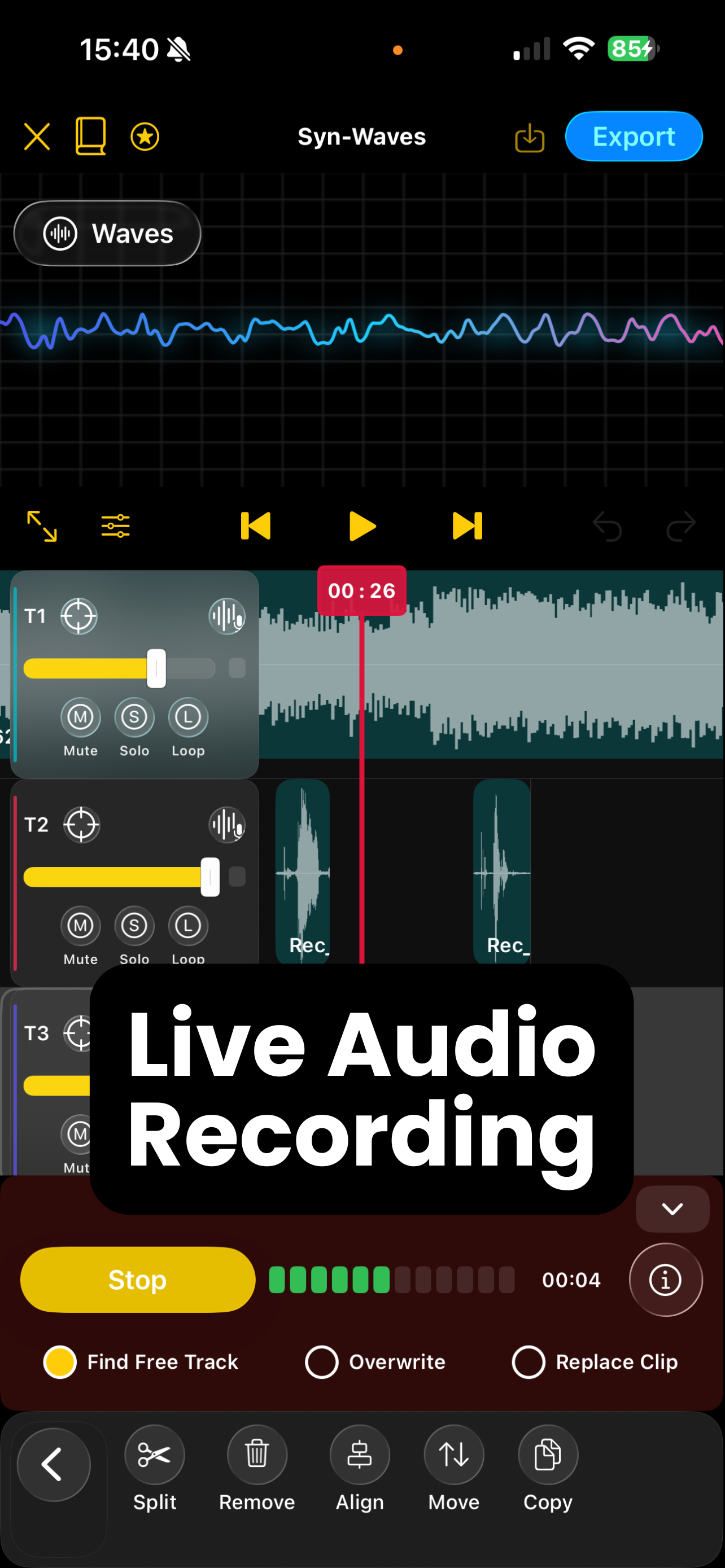
Record directly into a project or begin with an audio file. Use Find Free Track, Overwrite, or Replace Clip to put a take where you need it.
Edit on a multitrack timeline
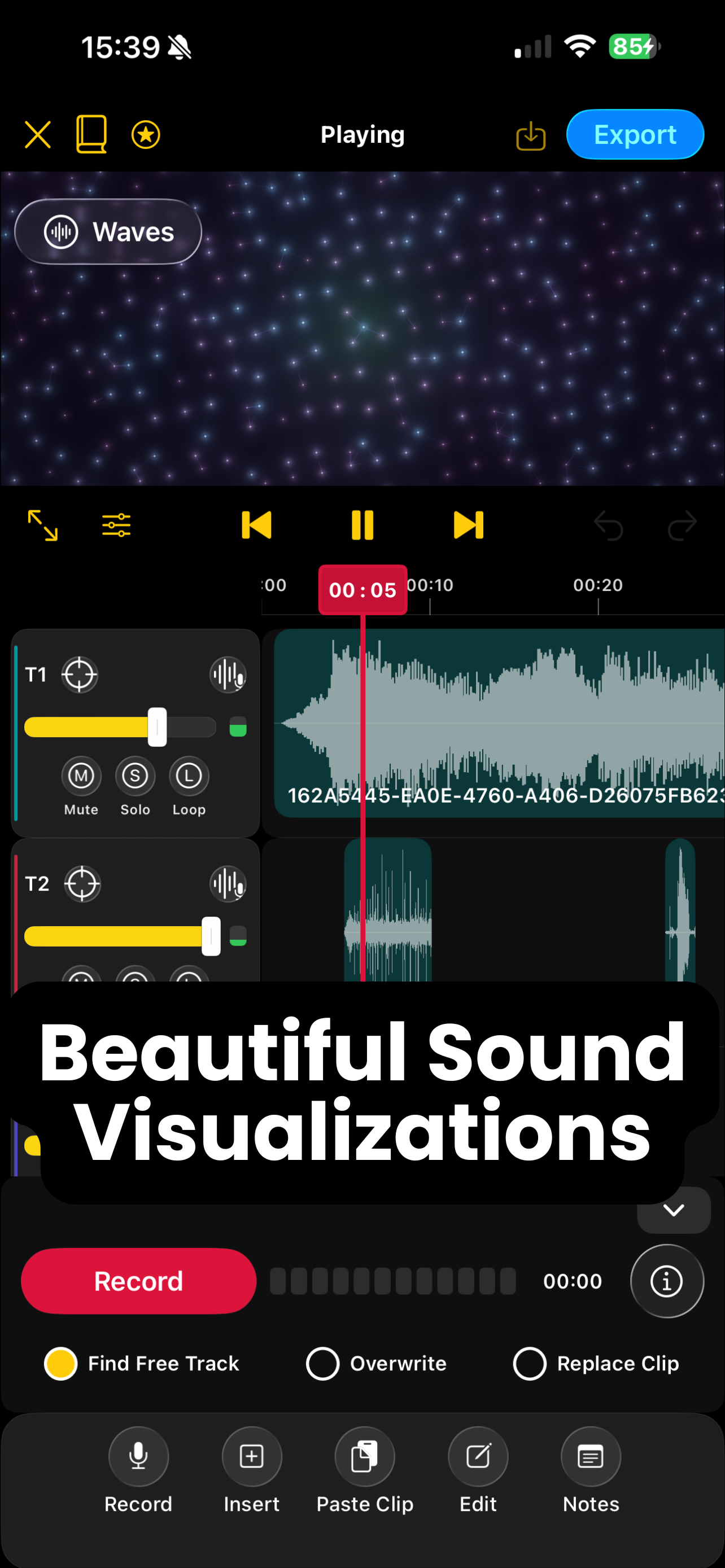
Split, trim, move, copy, and paste clips. Zoom in around the playhead and use Undo or Redo as you work.
Balance every track
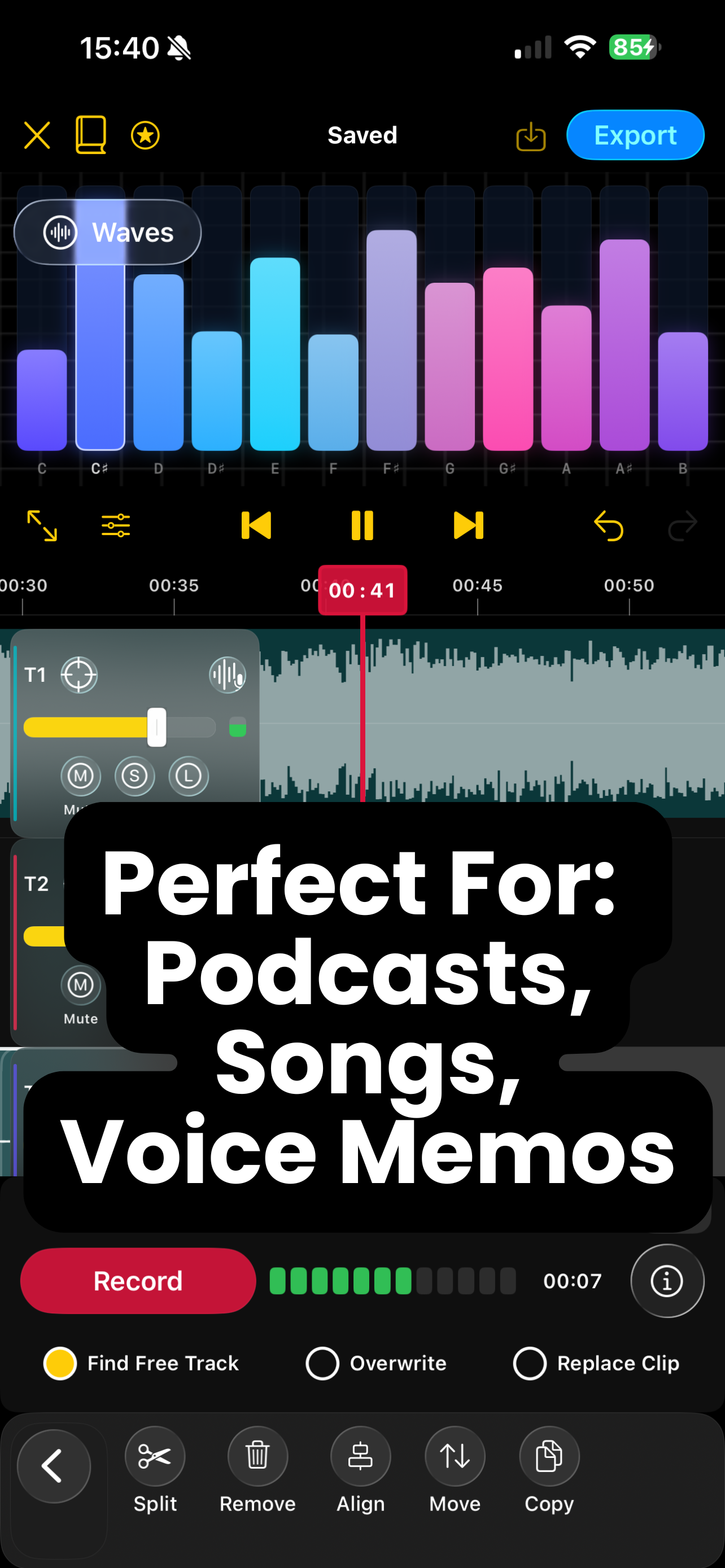
Open Mixer for track volume and live meters. Mute or solo tracks, and use Close Gaps to bring clips together.
Watch your sound
Switch Waves visualizations or open a fullscreen view while you listen and record.
Voice Enhance
Shape speech with Voice EQ, compression, limiting, and presets. Preview and apply settings in the editor; exporting audio with Voice Enhance processing requires Pro.
Export your way
Choose Active tracks, Selected track, or All tracks as the mix source, then set format, sample rate, and mono or stereo output. Standard M4A export without Voice Enhance processing is free; lossless WAV/AIFF and 96 kHz export are Pro options.
A closer look
Real screens from the Syn-Waves App Store listing.
Free to start. More room with Pro.
Free: Create up to three projects, record and edit audio, and export standard M4A without Voice Enhance processing.
Syn-Waves Pro: Unlimited projects and exports with Voice Enhance processing, lossless WAV/AIFF, or 96 kHz quality. Subscription options and local prices appear in the app.